Let the conversation come through

Podcast Audio Enhancer for Clearer Conversations

Use Podcast Audio Enhancer to reduce background noise and clarify speech in interviews and episodes. Hear the difference, then take a cleaner voice track into your next edit.

Podcast Audio Enhancer

MP3, WAV, M4A, AAC

Ready to enhance

Choose a podcast audio file to begin

Speech enhancement

Listen to your podcast

Compare original and enhanced speech

Voice-focused enhancement

Choose a podcast audio file to begin

Reduce noise

Enhance speech

Export WAV

Your episode. Your ears. Compare the result in Podcast Audio Enhancer before downloading.

From the first take to the next edit

A cleaner starting point for your next episode.

Podcast Audio Enhancer helps with a show’s spoken parts: the host’s story, a guest’s answer, and the conversation worth keeping.

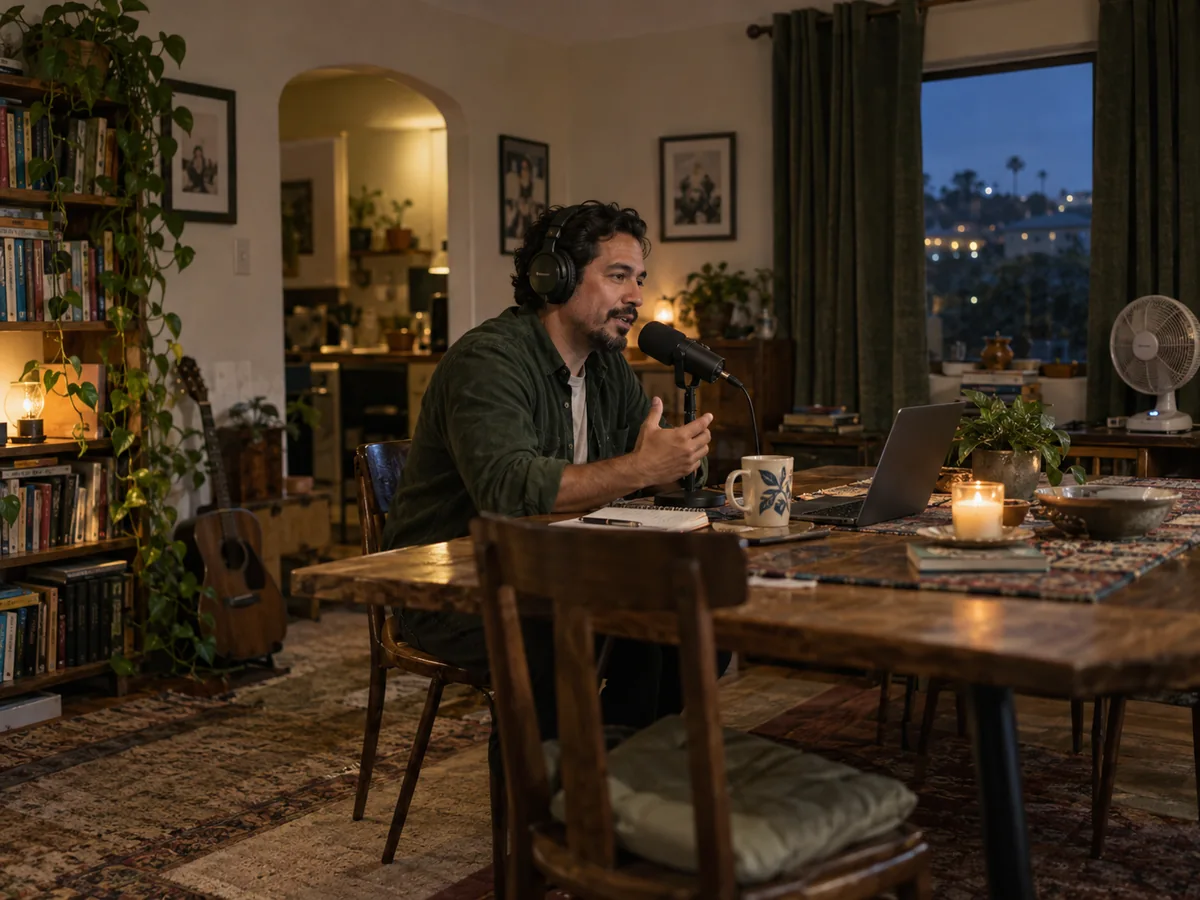
A podcast host recording a thoughtful story at a table in a warmly lit home

01 / HOME RECORDINGS

Less room noise. More of the story.

A fan or steady hiss can distract from a good episode. Podcast Audio Enhancer reduces background noise so listeners can follow the host. Clean up the voice track before adding intro music.

Try Podcast Audio Enhancer on a section where the background noise is noticeable.

Clean up your podcast recording
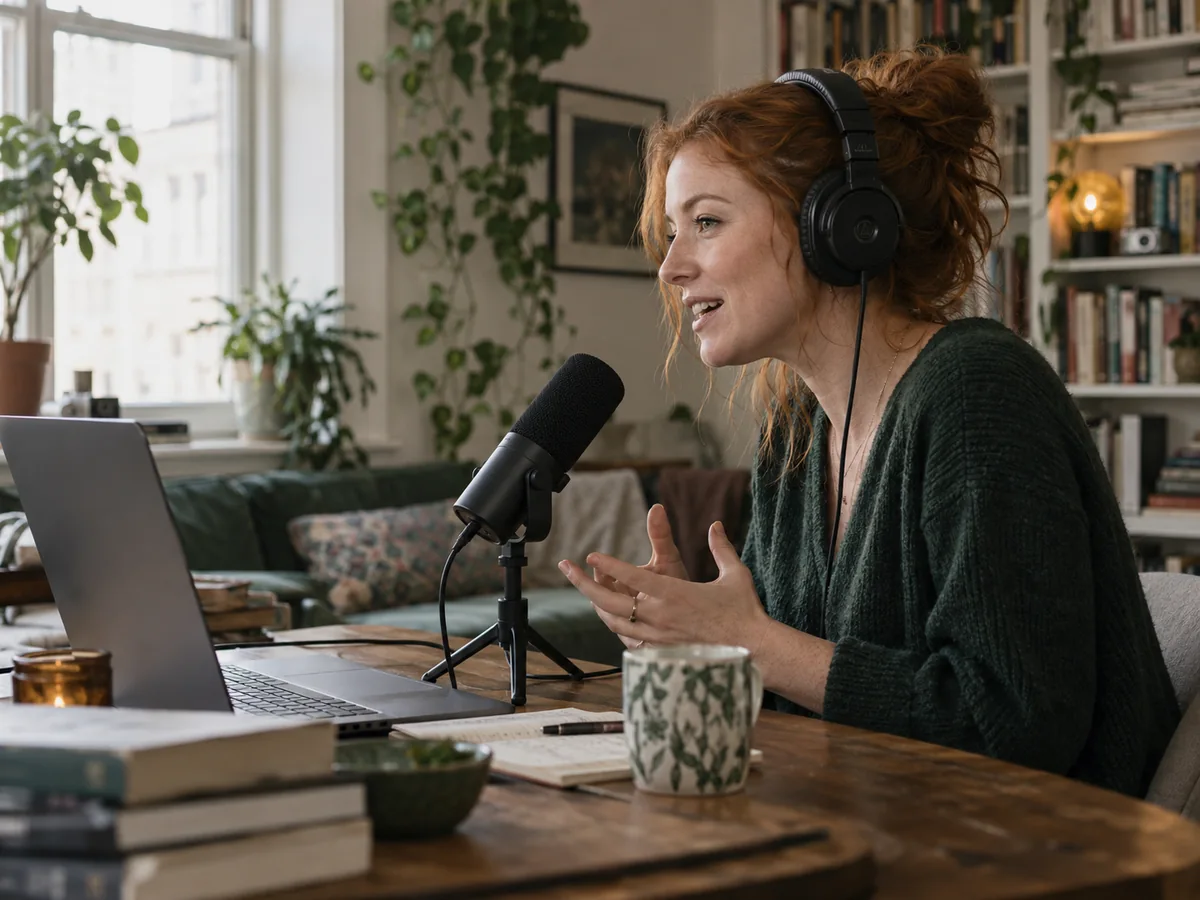

A remote podcast guest wearing headphones and speaking into a microphone beside her laptop

02 / REMOTE INTERVIEWS

Give a guest’s recording another listen.

Your guest’s story matters, even with an imperfect setup. Use Podcast Audio Enhancer on an exported guest track to reduce noise and clarify speech before returning it to your interview edit.

Podcast Audio Enhancer processes one audio file at a time; it does not separate or mix speakers.

Enhance a guest track
A podcast guest and interviewer sharing a spontaneous smile across two microphones

03 / LISTEN BEFORE YOU KEEP IT

Check the voice behind the words.

Compare original and enhanced playback in Podcast Audio Enhancer. Listen to a soft answer, a laugh, or an important phrase, then decide whether the result suits your conversation.

Heavy echo, clipped speech, or overlapping voices can remain difficult for Podcast Audio Enhancer to improve.

Listen to your own result
A podcast editor listening to a long interview in an attic workspace at night

04 / LONGER CONVERSATIONS

Keep working on the whole interview.

Use Podcast Audio Enhancer Pro for longer cloud recordings. Confirm the required processing time, then find the task and result in your account while you work on the episode.

Podcast Audio Enhancer Pro uses a different model from the browser mode; their results may differ.

Choose your full recording
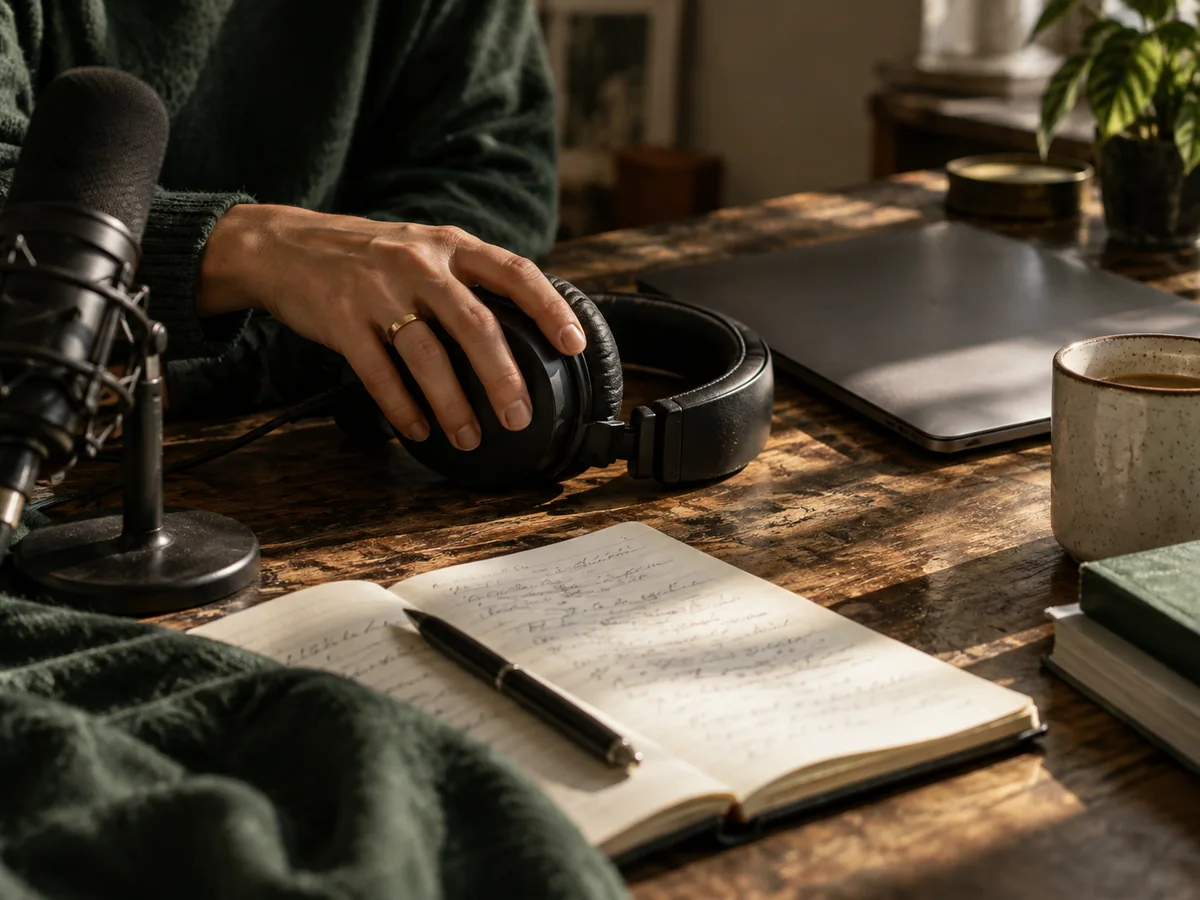
Headphones, a microphone, a laptop and interview notes on a sunlit editing desk

05 / BACK TO YOUR EDIT

A cleaner voice track. Your finishing touches.

Download a WAV from Podcast Audio Enhancer and continue in your editor. Cut the conversation and add music there. For video podcasts, enhance an exported audio track, then reinsert the WAV.

Podcast Audio Enhancer exports mono audio. Keep your original stereo mix and separate music tracks.

Prepare audio for your next edit

Three steps to a cleaner take

How to use Podcast Audio Enhancer

Choose a recording, let it process, and listen before saving.

  1. 01

    Choose your audio

    Add an MP3, WAV, M4A, or AAC file to Podcast Audio Enhancer.

  2. 02

    Enhance the speech

    Browser processing starts after selection. For Pro, sign in and confirm the processing time.

  3. 03

    Compare and download

    Listen to both versions, then save the enhanced WAV for your edit.

Find your episode here

For the conversations you record.

Solo episodes

Use Podcast Audio Enhancer on a host’s spoken take before cutting the episode.

Remote guest interviews

Clean up an exported guest recording before returning it to your interview timeline.

On-location conversations

Try Podcast Audio Enhancer on recorded interviews where everyday noise distracts from speech.

Video podcasts

Enhance an audio track exported from your video editor, then reinsert the WAV.

Why choose Podcast Audio Enhancer?

A direct cleanup workflow

Start with a file, without configuring noise profiles or audio plugins.

Your recording is the test

Listen to both versions in Podcast Audio Enhancer before keeping the result.

Fits your existing editor

Download WAV and continue in the editor you already use.

Before your next episode

Podcast Audio Enhancer FAQ

Which podcast recordings can I enhance?

Podcast Audio Enhancer suits solo hosts, guest recordings, interviews, and spoken episode tracks. Start with separate dialogue when available, before mixing in music.

Can it reduce background noise or echo?

Podcast Audio Enhancer can reduce fan hum and hiss. Strong echo, clipping, overlapping voices, and speech buried in noise may remain unclear. Preview the result.

Will Podcast Audio Enhancer change how my voice sounds?

Podcast Audio Enhancer may change voice timbre. Compare quiet words, laughter, and natural tone in both versions. Missing speech cannot reliably be recovered.

Does it balance speakers or remove filler words?

Podcast Audio Enhancer does not normalize loudness, separate speakers, mix tracks, or remove filler words. Finish speaker levels, pauses, music, and loudness in your editor.

Can I enhance an episode with music?

Podcast Audio Enhancer focuses on speech; processing may alter music or singing. Enhance separate dialogue when available, then add the original music in your editor.

What file formats and output are supported?

Podcast Audio Enhancer accepts MP3, WAV, M4A, and AAC; codec support depends on your browser. Output is mono WAV, without stereo imaging or separate channels. Convert to MP3 in your editor.

Can I upload a video podcast?

Podcast Audio Enhancer accepts audio. Export your video’s spoken track first, enhance it, then reinsert the WAV. Direct video enhancement and export are not supported.

Is Podcast Audio Enhancer free, and can it handle full episodes?

Free browser processing supports up to 10 minutes per file. Pro requires an account and purchased processing time, with a 300 MB limit and no separate duration cap. Billing follows recording length, with a 15-second minimum.

See processing-time packages
Where is my audio processed, and do I need an account?

Podcast Audio Enhancer’s free mode runs in your browser without an account. Pro uploads audio for cloud processing and saves account tasks. Different models mean free results do not predict Pro results.

How long does enhancement take?

Podcast Audio Enhancer timing depends on recording length, device performance, model loading, and cloud workload. Pro continues after you leave the page; check your account for progress.

Put the next episode in motion

Let your listeners hear the conversation.

Bring a host recording or interview to Podcast Audio Enhancer. Compare the result and keep what helps your episode.