
A little guidance
The recording comes first.
These tools share a simple workflow. Choose the page that fits your recording, then decide whether Free or Pro is right for its length and your needs.
Compare Free and ProOne place for clearer audio
A conversation, a story, a thought you don’t want to lose. Find the right starting point for the recording in front of you.
Find your toolTry free · No account needed · MP3, WAV, M4A & AAC
Not sure where to start?
Open the all-purpose audio enhancer, choose a recording, and listen to the result. You don’t need to know anything about audio editing to get started.
Open Audio Enhancer AI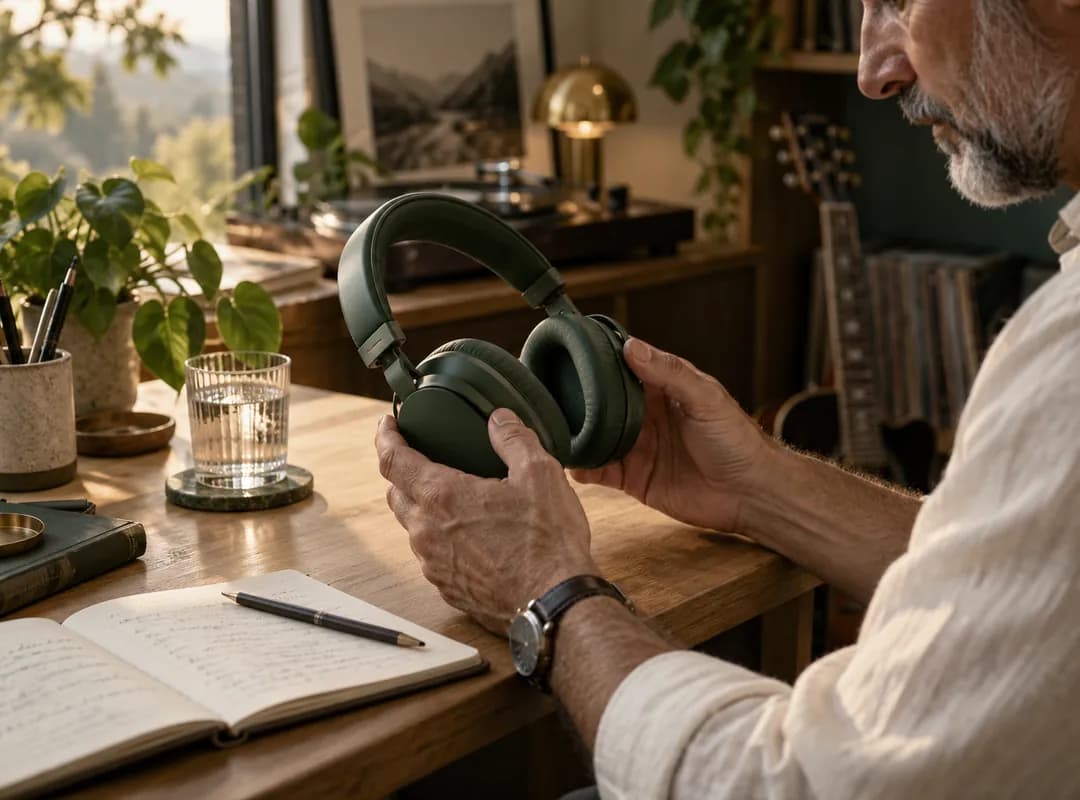 Less noise. More of what matters.
Choose by recording
Each guide takes you straight to an enhancer, with tips for your kind of recording.
 01
01Everyday speech
Bring spoken words into focus. A starting point for interviews, lessons, and everyday voice recordings.
 02
02Less distraction
Reduce distracting hiss, hum, and steady room noise so listeners can follow the words more easily.
 03
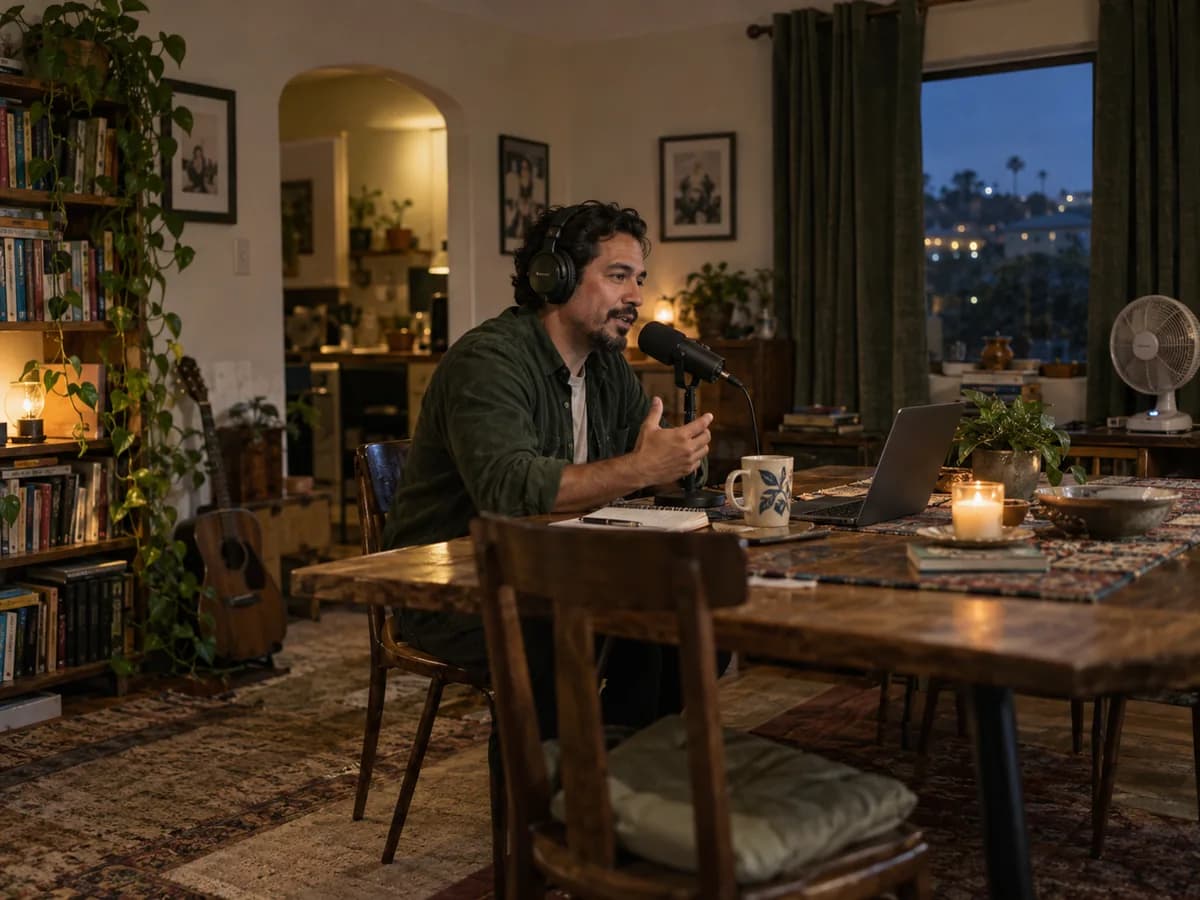
03Conversations worth hearing
Make recorded conversations easier to listen to, from a remote guest interview to your next solo episode.
 04
04Let the story lead
Clean up spoken narration before adding it to a video, lesson, presentation, or other creative project.
 05
05Keep the thought
Make phone recordings easier to revisit. Bring more clarity to spoken notes, ideas, and recorded reminders.
A little guidance
These tools share a simple workflow. Choose the page that fits your recording, then decide whether Free or Pro is right for its length and your needs.
Compare Free and ProFrom file to finished
Start with an MP3, WAV, M4A, or AAC file. Free enhancement works with recordings up to 10 minutes.
Try free cleanup or choose Pro for higher-quality enhancement and longer recordings, up to 300 MB per file.
Preview the result, compare it with your original, and download the version you want to keep.
Ready when you are
Start with a short recording for free. Listen to the difference, then choose what works for you.